
Introduction
In today’s fast-moving digital world, creating a website is no longer a difficult or time-consuming task. Thanks to modern AI tools like Wix ADI, Framer AI, and Hostinger AI Website Builder, anyone can build a professional website without coding or technical skills. What once required developers and weeks of work can now be done in just a few minutes using simple prompts.
AI website builders are designed to handle everything—from layout and design to content creation—making the entire process faster, easier, and more accessible. Whether you are a student, blogger, freelancer, or business owner, these tools help you bring your ideas online quickly and efficiently.
In this blog, we will explore the best AI tools to build a website in 2026, their features, benefits, and how you can use them to create your own website and even start earning online.
1. Wix ADI
- Generates full website from questions
- AI content + images + SEO tools
- 2000+ templates available
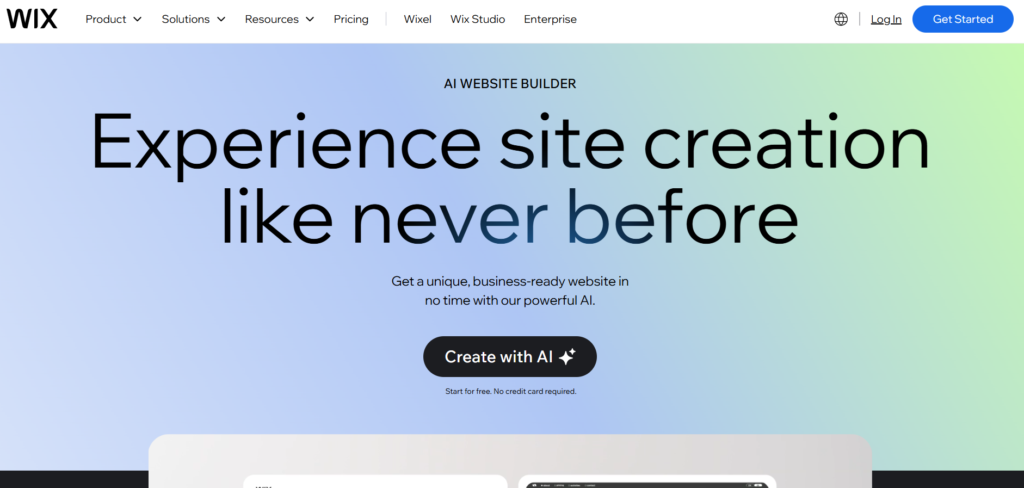
Wix ADI is widely considered the most complete AI website builder because it combines automation with flexibility. When you start, it asks a few simple questions about your website purpose and instantly creates a fully designed website with pages, images, and content. What makes Wix powerful is that you are not locked into AI—you can fully customize everything using its drag-and-drop editor. It also includes built-in SEO tools, apps, and marketing features, making it perfect for beginners as well as growing businesses. Experts consistently rank Wix as the best overall AI builder due to its balance of ease and control.
2. Framer AI
- Creates modern, beautiful websites
- Converts text → design instantly
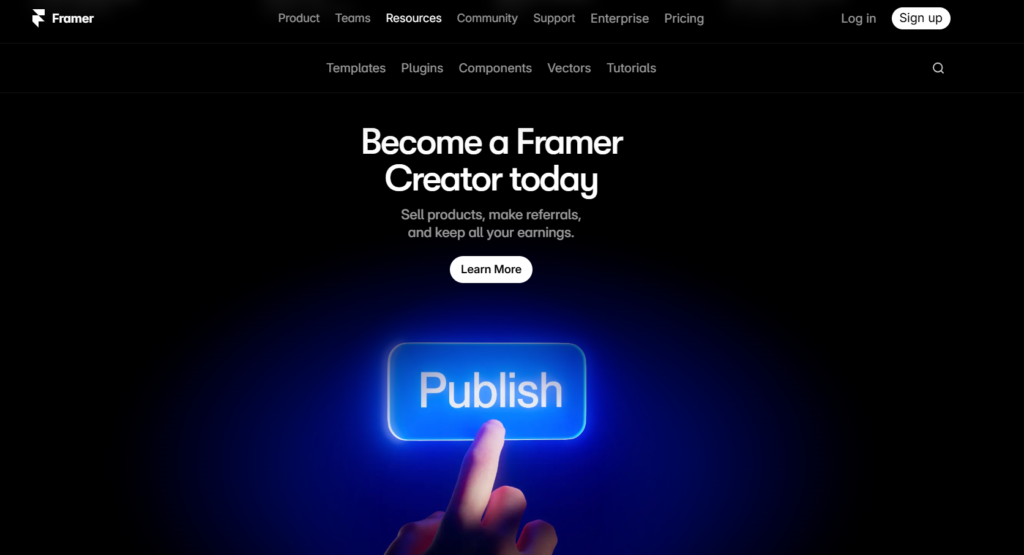
Framer AI focuses on creating visually stunning and modern websites with minimal effort. You just type a description, and it generates a clean, responsive website with animations and advanced layouts. Unlike basic builders, Framer gives more creative freedom and produces designs that look premium and unique. It is especially popular among startups and designers who want their website to stand out. However, it may require a bit of learning compared to beginner tools, but the design quality is worth it.
3. Hostinger AI Website Builder
- Fast AI website creation
- Includes hosting + domain (paid later)
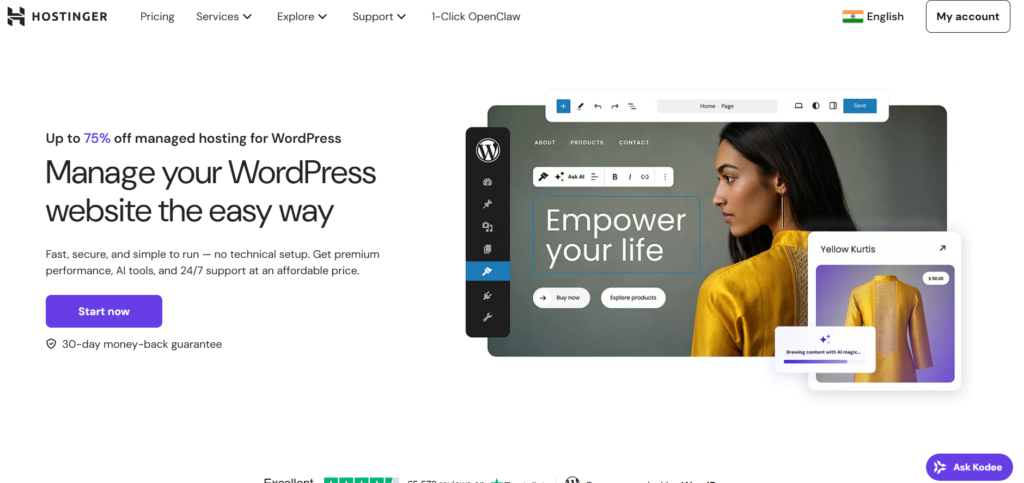
Hostinger AI Website Builder is known for its affordability and simplicity. It allows users to create a complete website along with hosting in one place, which removes the need for technical setup. The AI quickly generates a basic website with text and layout, making it ideal for beginners or small businesses. While customization is limited, it delivers strong value for money and is often recommended as the best budget AI website builder.
4. Durable AI
- Website ready in 30 seconds
- Auto content + branding
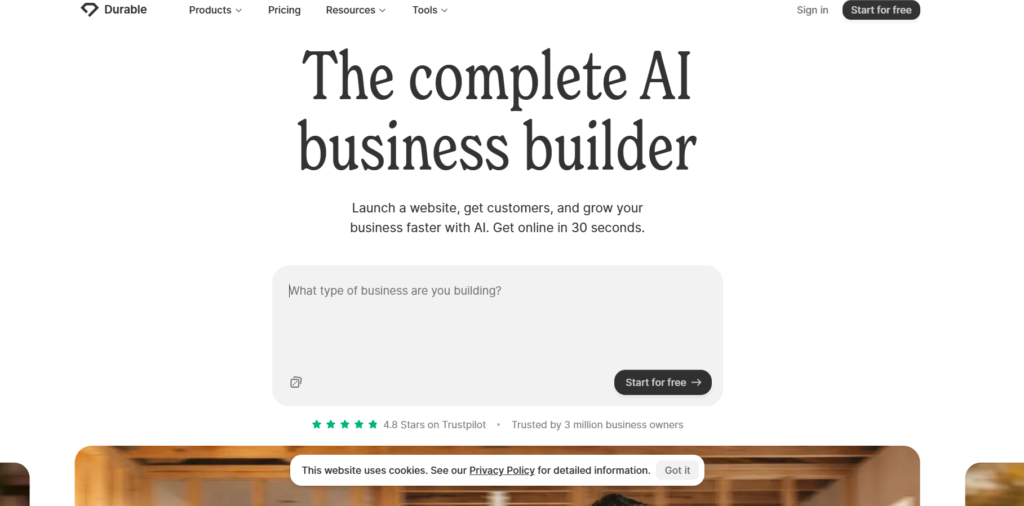
Durable AI is built for speed. It can generate a full business website in less than 30 seconds, including content, design, and basic branding. This makes it perfect for entrepreneurs who want to launch quickly without focusing on design details. However, the output is usually simple, so you may need to customize it later. It is best suited for quick projects where speed matters more than design perfection.
5. 10Web AI Builder
- AI builds WordPress site
- SEO optimized
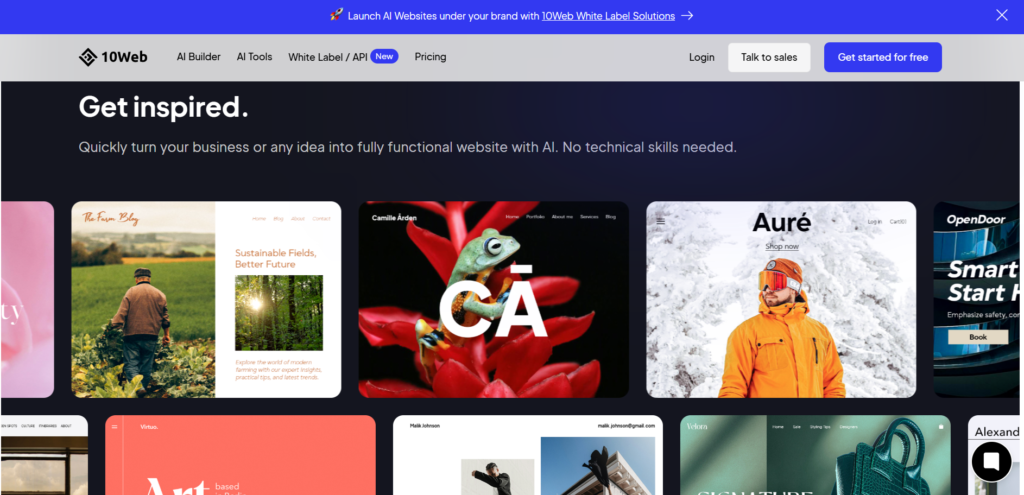
10Web AI Builder is ideal for users who want to combine AI with the power of WordPress. It creates a full WordPress website using AI and allows you to customize it using Elementor and plugins. This gives you complete control and scalability, making it perfect for bloggers, agencies, and long-term projects. While it has a slightly higher learning curve, it offers much more flexibility compared to simple website builders.
6. Squarespace Blueprint AI
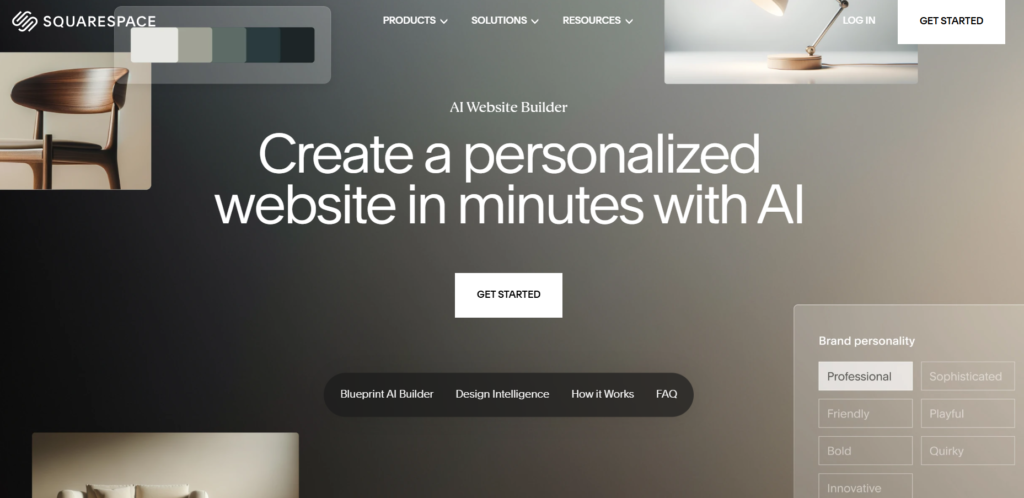
Squarespace Blueprint AI is known for its beautiful templates and design-focused approach. It helps users create visually appealing websites with structured layouts and built-in marketing tools. This platform is especially popular among creatives like photographers and designers. It also supports eCommerce, making it suitable for online stores. While customization options are slightly limited, it excels in delivering clean and professional designs.
7. Webflow AI
- Powerful design + AI builder
- Used by professionals
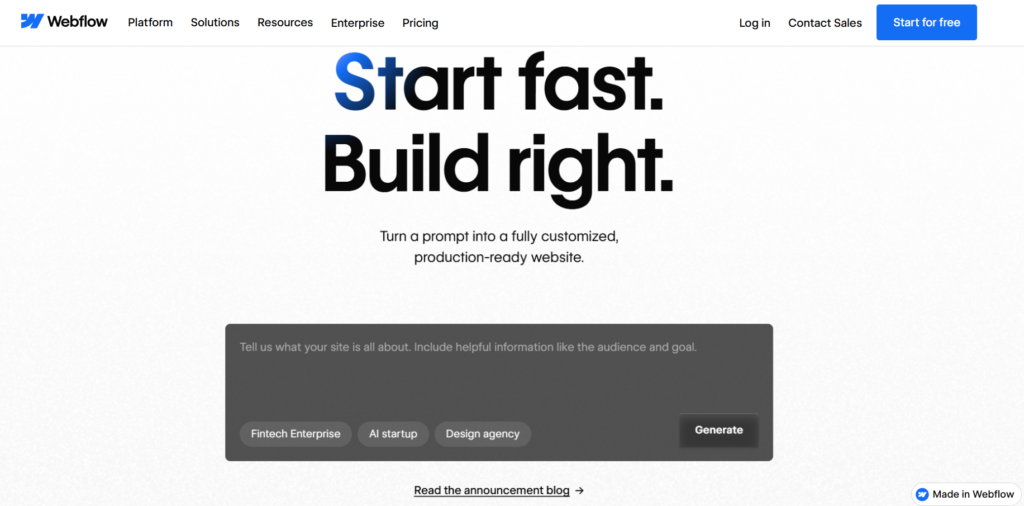
Webflow AI is designed for professionals who want complete design control without coding. It allows users to visually build websites while generating clean code in the background. Its AI assists with layouts, but the real strength lies in customization and flexibility. It is widely used by developers, agencies, and designers who want high-quality and scalable websites. However, beginners may find it slightly complex.
8. Dorik AI
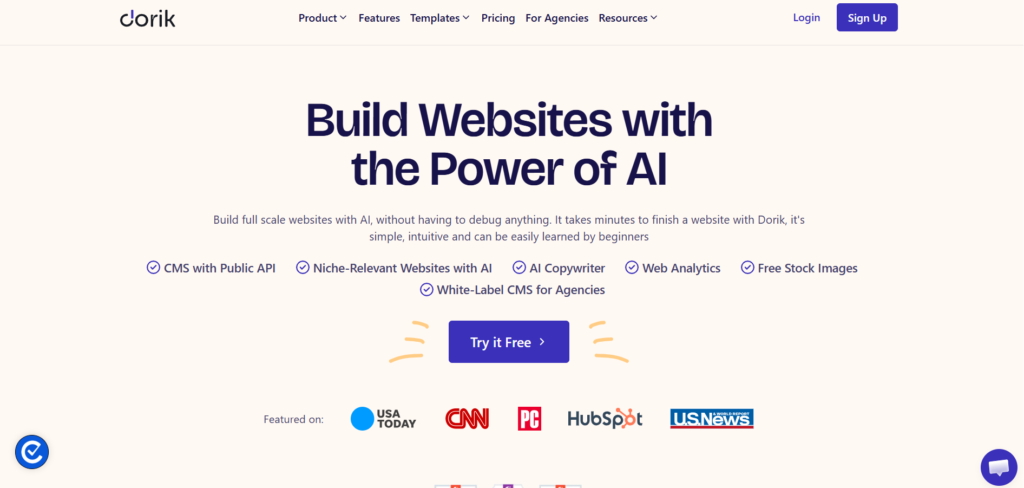
Dorik AI is a simple and efficient AI website builder focused on speed and ease of use. It allows users to generate websites instantly with minimal input and provides a clean interface for editing. It is ideal for beginners who want a lightweight tool without complex features. While it may not offer advanced customization, it is perfect for basic websites and landing pages.
Comparison Table
| Tool | Ease of Use | Best For | Pricing |
| Wix ADI | ⭐⭐⭐⭐⭐ | Beginners | Free + Paid |
| Framer AI | ⭐⭐⭐⭐ | Landing pages | Paid |
| 10Web AI | ⭐⭐⭐⭐ | WordPress users | Paid |
| Hostinger AI | ⭐⭐⭐⭐⭐ | Budget users | Cheap |
| Durable AI | ⭐⭐⭐⭐⭐ | Instant sites | Paid |
| Squarespace AI | ⭐⭐⭐⭐ | Design lovers | Paid |
| Relume AI | ⭐⭐⭐ | Designers | Paid |
| Readdy AI | ⭐⭐⭐⭐ | No-code | Free/Paid |
| Canva AI | ⭐⭐⭐⭐⭐ | Simple sites | Free |
| GoDaddy Airo | ⭐⭐⭐⭐ | Business | Paid |
⚙️ Features of AI Website Builders (2026)
AI website builders are powerful because they combine automation, design, and content creation in one platform. Below are the core features explained in detail 👇
1. AI Website Generation
The most important feature is automatic website creation. You just answer a few questions or type a prompt, and the AI generates a complete website with pages, layout, and content. Modern tools can create a full site in under a minute, making website building faster than ever.
2. Automatic Design & Layout
AI tools automatically design your website by selecting colors, fonts, and layouts based on your niche. This removes the need for design skills and ensures your site looks clean and professional. Most builders create mobile-friendly and responsive designs automatically.
3. AI Content Generation
These tools can write:
Website text
Blog content
Product descriptions
AI generates content based on your input, saving hours of writing time. However, you should always edit it for better quality and uniqueness.
4. AI Image & Media Creation
Many AI builders also generate images, logos, and graphics automatically. Some tools even suggest images that match your content, helping create a complete website without external tools.
5. Drag-and-Drop Editing
Even after AI builds your site, you can easily customize it using drag-and-drop editors. This means:
Move sections
Change text
Edit images
👉 No coding required
6. Built-in SEO Tools
AI website builders include SEO features like:
Meta tags
Keyword suggestions
Mobile optimization
This helps your website rank better on Google without needing deep SEO knowledge.
7. Fast Website Creation
Speed is a major advantage. Tools like Durable and Wix can create websites in seconds, allowing users to launch quickly. This is especially useful for businesses and startups.
8. E-commerce Integration
Many AI builders support online stores with features like:
Product pages
Payment gateways
Order management
This allows users to start selling products directly from their website.
9. Hosting & Domain Support
Most platforms provide:
Free hosting
SSL security
Domain connection
This means you don’t need separate hosting services.
10. Analytics & Tracking
AI builders often include analytics tools to track:
Visitors
User behavior
Website performance
This helps improve your website over time.
👉 Link of popular post:
Thank you for reading this post, don't forget to subscribe!