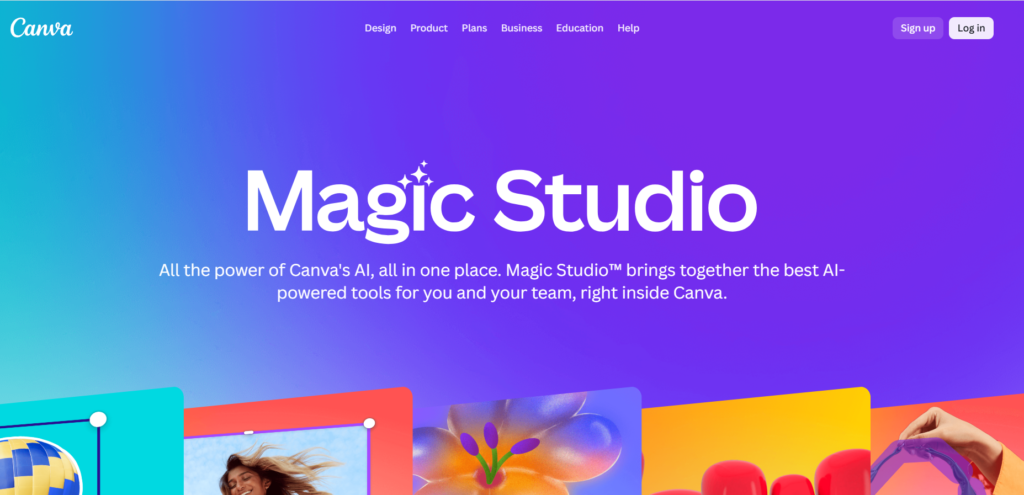
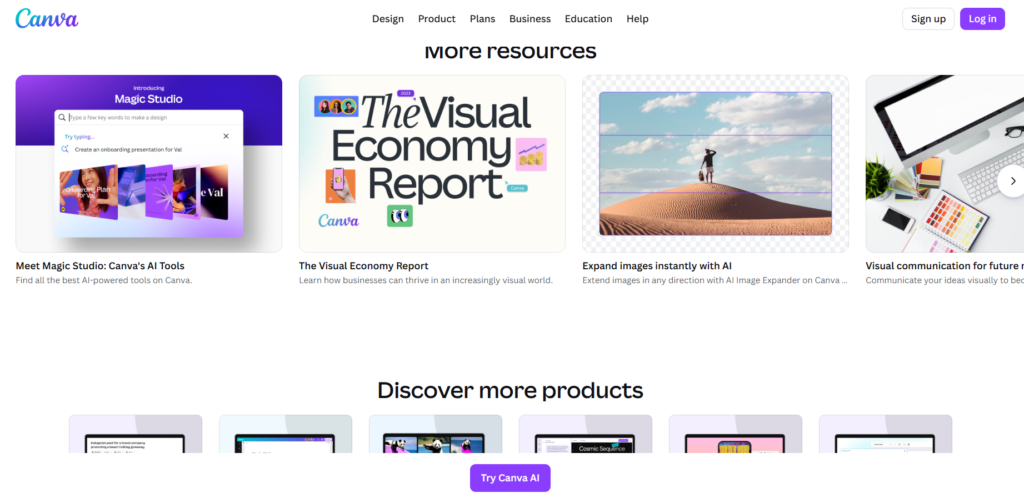
Canva AI is one of the most popular online design tools in the world. Now Canva has added powerful AI features that make design, writing, and editing much easier. With Canva AI, users can create images, videos, presentations, logos, and social media posts in just a few seconds. Because of its simple interface and smart tools, Canva AI is widely used by bloggers, YouTubers, students, and freelancers.
✅What is Canva AI ?
Canva AI is a set of artificial intelligence tools available inside Canva. These tools help users generate designs, write text, remove backgrounds, create images, and edit videos automatically. Even beginners can create professional designs without learning complex software like Adobe Photoshop.
Canva AI is useful for:
Graphic design
Blog images
YouTube thumbnails
Social media posts
Presentations
AI content writing
🔑Key Features of Canva AI
1. Magic Design:- One of the most powerful features of Canva is Magic Design. This AI tool can create ready-made designs automatically when you type a simple idea. For example, if you write “YouTube thumbnail for tech video”, Canva will generate multiple design options in seconds. This feature helps beginners create professional graphics without learning complex design software. Benefits: a). Saves time b). No design skills needed c). Ready templates d). Fast editing
2. Free and Pro Version:- Canva offers both free and paid plans. Free version includes: a). Basic templates b). Free images c). Simple editing tools Pro version includes: a). Premium templates b). AI tools c). Background remover d). Brand kit e). More storage Most new users start with the free plan and upgrade later.
3. Magic Write (AI Writing Tool):- Magic Write is an AI text generator inside Canva. It works similar to ChatGPT and can write content automatically. You can use it for blog writing, captions, scripts, and descriptions. Uses of Magic Write: a). content b). Social media captions c). YouTube scripts d). Product descriptions e). Short articles This feature makes Canva useful for both designing and writing.
4. AI Image Generator:- Canva AI can create images from text using artificial intelligence. You only need to type what kind of image you want, and the AI will generate it. Example: a). Nature image b). Cartoon picture c). Background photo d). Blog illustration This feature is very useful for bloggers, designers, and YouTubers who need unique images.
5. Background Remover Tool:- Background remover is one of the most popular features of Canva. With one click, AI removes the background from any image and keeps only the main object. Advantages: a). Fast editing b). Professional look c). No Photoshop needed d). Useful for thumbnails and posters Freelancers use this feature to create client designs.
6. Video Editing with AI:- Canva also provides video editing tools powered by AI. Users can create videos for YouTube, Instagram, and reels using templates. Video features: a). Animation b). Text effects c). Music library d). Auto resize e). Subtitles Because of this, Canva is not only a design tool but also a content creation platform.
7. Huge Templates Library:- Canva has thousands of templates for different uses. You can select a template and edit text, color, and image easily. Templates available for: a). Thumbnails b). Resume c). Posters d). Presentations e). Blog images f). Social media posts This feature makes work faster and easier for beginners.
🔥 Why Canva AI is Popular
Reasons why people like Canva AI:
Easy to use
Fast design
AI features
Free plan available
Good for earning online
🎯 Conclusion
Canva AI has become one of the most useful tools for online design and content creation. With the help of Canva, users can create professional graphics, videos, and written content without advanced skills. Its AI features like Magic Design, Magic Write, and Image Generator make work faster and easier compared to traditional design software.
Another reason for Canva’s popularity is its simple interface and ready-made templates. Beginners can start designing immediately, while professionals can use advanced tools to create high-quality content. The free version is enough for normal use, and the Pro version gives more powerful features for serious creators.
In 2026, Canva AI is not only a design tool but a complete content creation platform. Bloggers, YouTubers, students, and freelancers use it to save time, improve quality, and even earn money online. Because of its smart AI features and easy use, Canva will continue to be one of the best tools for digital creators in the future.
Canva AI is one of the best tools for design and content creation in 2026. With the help of Canva, anyone can create professional images, videos, and posts without advanced skills. Its AI features like Magic Design, Magic Write, and AI Image Generator make work faster and easier. For students, bloggers, YouTubers, and freelancers, Canva AI is a powerful tool that can save time and help create high-quality content.
Thank you for reading this post, don't forget to subscribe!