👉 🌐 Visit Site
Thank you for reading this post, don't forget to subscribe!🔍 Overview:-
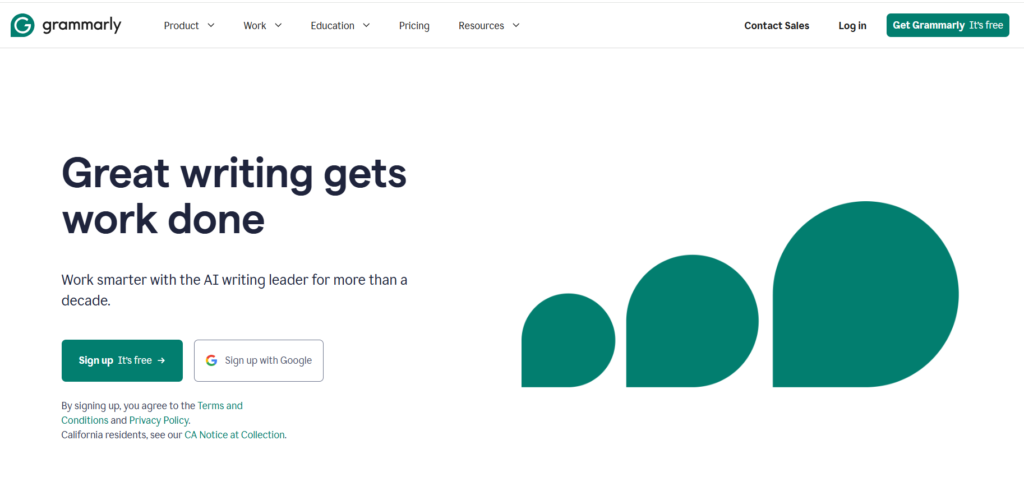
Grammarly AI is one of the most popular AI writing tools used to check grammar, spelling, punctuation, and writing style. It helps students, bloggers, professionals, and content creators write correct and professional English.
Grammarly uses artificial intelligence to detect mistakes and suggest better words, sentences, and tone. It works on browsers, mobile, desktop, and Microsoft Word.
✅ What is Grammarly AI ?
Grammarly AI is an AI-based writing tool that analyzes your text in real time and provides suggestions to improve grammar, punctuation, vocabulary, and tone. It works on desktop, mobile, and as a browser extension, allowing you to use it on platforms like Gmail, WordPress, LinkedIn, and social media.
Yes, Grammarly is worth it if you regularly write emails, blog posts, assignments, or professional documents. It saves time, reduces mistakes, and improves overall writing quality.
🔑 Key Features of Grammarly AI
1. Grammar Checker:-
Grammarly automatically checks grammar mistakes in your writing.
It corrects sentence structure, tense errors, and punctuation to make your content error-free.
2. Real-Time Suggestions:-
Grammarly shows mistakes instantly while typing.
This saves time in editing and proofreading.
3. Spelling Checker:-
This feature detects spelling mistakes while typing.
Grammarly shows correct spelling suggestions in real time.
4. AI Writing Assistant:-
Grammarly AI can generate sentences, paragraphs, emails, and blog content.
You just give a topic, and the AI helps you write faster.
5. Paraphrasing / Rewrite Tool:-
Grammarly can rewrite sentences in different ways.
You can make text shorter, longer, formal, or simple.
6. Tone Detector:-
👉 This feature shows the tone of your writing, such as:
• Formal
• Friendly
• Professional
• Confident
It helps you write according to the situation.
7. Plagiarism Checker:-
Grammarly checks if your content is copied from the internet.
This is very useful for blogs, assignments, and SEO writing.
8. Clarity & Style Suggestions:-
Grammarly improves readability by suggesting better words and sentences.
It makes your writing clear and easy to understand.
9. Browser Extension:-
Grammarly works on Chrome, Edge, Firefox, Gmail, Google Docs, and Word.
You can use it anywhere while writing online.
10. Multi-Device Support:-
👉 Grammarly works on:
• Mobile
• Desktop
• Browser
• Microsoft Word
You can use one account on all devices.
🔥 Why Grammarly is Popular
- Best Grammar checker
- Fast writing correction
- Useful for blog & email
- Professional writing help
- Trusted worldwide
Millions of users use Grammarly daily
🚀 Who Should Use Grammarly
- Students
- Bloggers
- YouTubes
- Website owners
- Office workers
- writers